Windsurf by Codeium is one of the most remarkable breakthroughs in the 2026 AI-assisted IDE landscape. Powered by its proprietary Cascade agentic engine, it bridges the gap between passive autocomplete and full-blown autonomous software engineering. If you felt Cursor was too overwhelming or Copilot was too basic, Windsurf strikes the ultimate balance of speed, deep context, and seamless developer flow.
The 2026 AI Editor Wars: Has Cursor Met Its Match?
For the past year, Cursor AI has enjoyed an almost unchallenged monopoly as the undisputed king of AI code editors. Every developer, indie hacker, and non-coder jumping into the "vibe coding" movement has had Cursor installed as their default daily driver.
Until Windsurf arrived.
Developed by the seasoned engineering team behind Codeium (who already built one of the world's most widely adopted free AI autocomplete extensions with millions of users), Windsurf is not just another VS Code fork with a chat sidebar pasted on top. It was engineered from the ground up as an "Agentic IDE" — an environment where the AI doesn't just suggest lines of code, but actively collaborates, plans, diagnoses terminal outputs, and modifies multiple files in synchronized unison.
As someone who comes from a non-coding Service Engineer background and built tools like HTML Sandbox and JSON Viewer using AI assistants, I put Windsurf through intensive, multi-week real-world testing. Here is my honest, unfiltered review of what makes Windsurf exceptional, where it falls short, and whether you should switch from Cursor or GitHub Copilot in 2026.
What Exactly is Windsurf?
 Windsurf AI Editor — The Agentic IDE powered by Codeium Cascade
At its foundation, Windsurf is an AI-native integrated development environment (IDE) built on the open-source VS Code framework. This means all your favorite VS Code themes, keybindings, settings, and extensions transfer over with zero setup friction.
However, beneath the familiar surface lies a custom-engineered intelligence layer powered by Cascade. Unlike traditional chat assistants where you copy and paste snippets back and forth, Windsurf interacts directly with your local workspace:
- Workspace Context Awareness: It reads your directory tree, project dependencies, git history, and imports to understand the full architectural scope of your app.
- Collaborative Flow: It doesn't write code in isolation. It proposes changes, highlights exact diffs, runs terminal diagnostic commands, and asks for confirmations at key decision points.
- Flexible Model Selection: You can switch between Claude 3.5 Sonnet, Claude 3.7 Sonnet, OpenAI o1/o3, and Codeium's proprietary ultra-low-latency models depending on your task requirements.
If GitHub Copilot is a passenger suggesting turns, and Cursor Composer is a fast co-pilot, Windsurf Cascade is like having an experienced senior engineer sitting next to you with their hands on the wheel, explaining every turn before pressing the gas.
The Secret Weapon: How Cascade Flows Change the Game
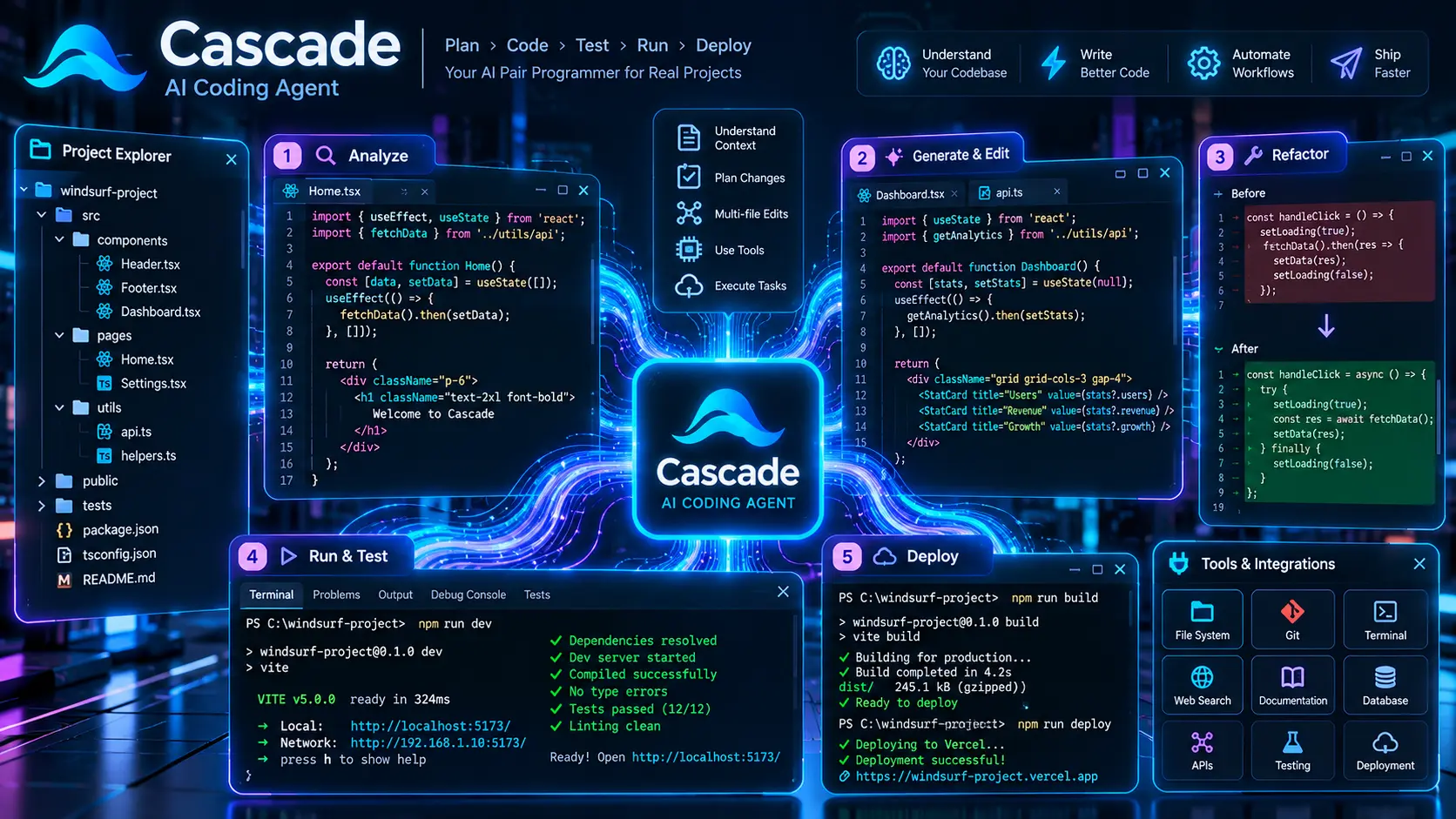 Windsurf Cascade Agentic Flow — Real-time multi-file editing and terminal integration
The defining feature of Windsurf is its Cascade interface. Most developers are used to AI chat sidebars that produce code blocks requiring manual copy-pasting. Cascade throws out that paradigm completely.
1. Unified Multi-File Awareness and Editing
When you assign Cascade a high-level task — for example: "Create an authentication middleware, update the navigation header to show user avatars, and add protected routes in Next.js" — Cascade doesn't just spit out one file.
It generates a cohesive plan, opens all relevant files simultaneously, and applies surgical line-by-line diffs across your codebase. You can accept all modifications with one click or review each file individually.
2. Integrated Terminal & Command Execution
Similar to what we witnessed with Claude Code, Windsurf can inspect terminal outputs. If an npm run build or npm install command fails with a runtime error, Cascade intercepts the error stack trace, identifies the broken dependency, and offers an automatic patch before you even start googling the bug.
3. Supercomplete: Next-Generation Autocomplete
Codeium's classic predictive autocomplete has been upgraded into what they call Supercomplete. It doesn't just predict the next three words; it anticipates your next entire logical step. If you update a function parameter in a TypeScript interface, Supercomplete automatically suggests the matching signature updates wherever that function is called across other open tabs.
Windsurf vs Cursor vs GitHub Copilot: The 2026 Comparison
To give you an objective perspective, here is how the three major AI coding platforms stack up against one another in 2026:
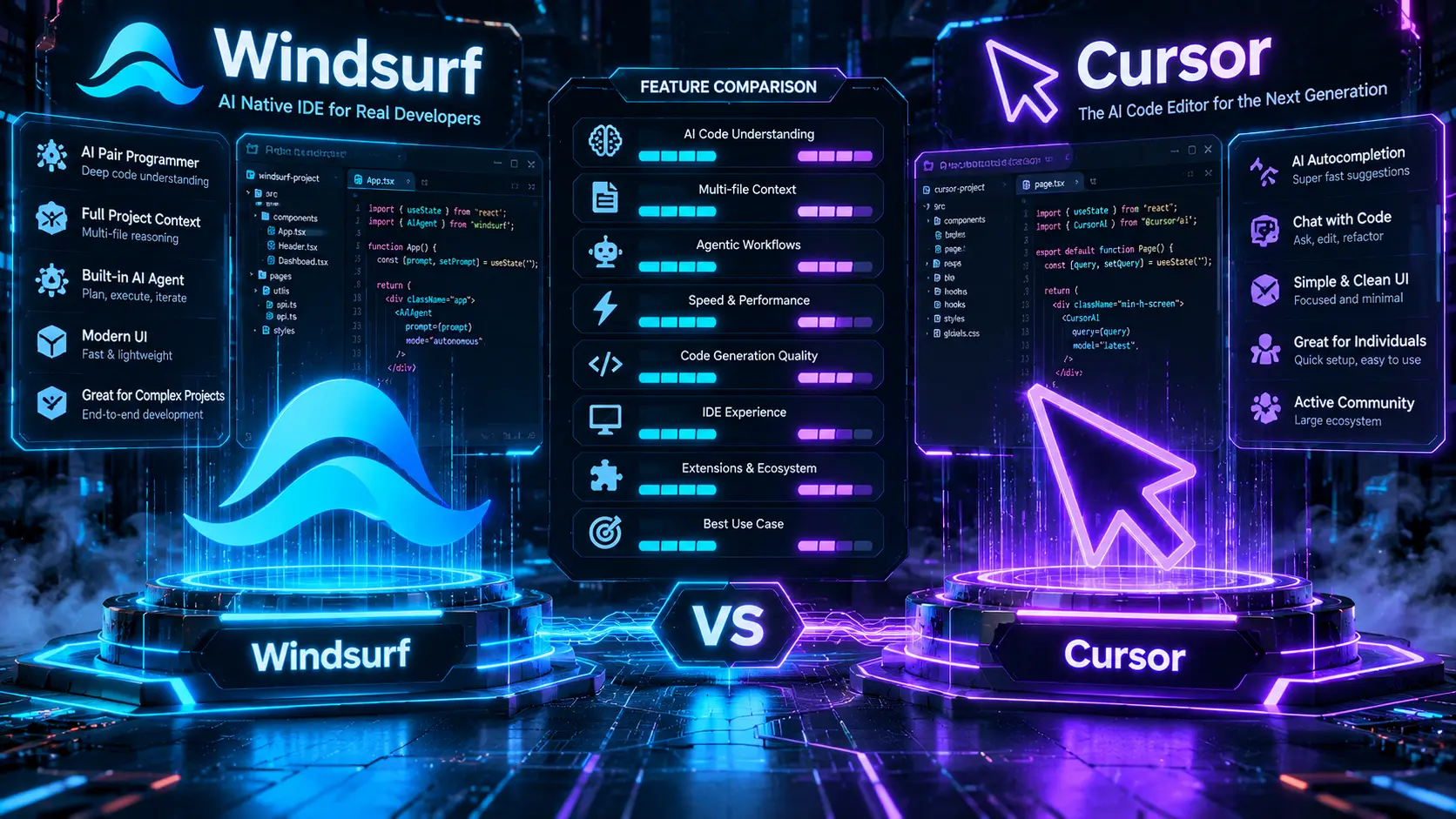 Windsurf vs Cursor vs GitHub Copilot comparison breakdown
| Feature & Capability | Windsurf (Codeium) | Cursor AI | GitHub Copilot |
|---|---|---|---|
| Interface Type | Full AI-Native IDE (VS Code Fork) | Full AI-Native IDE (VS Code Fork) | Plugin for VS Code, JetBrains, Visual Studio |
| Primary Agent Engine | Cascade Flows (Stateful Agent) | Composer 2.5 (Agent Mode) | Copilot Chat (Plugin Assistant) |
| Multi-File Editing | ✅ Seamless, real-time synchronized diffs | ✅ Exceptional multi-file Composer | ⚠️ Limited to individual file recommendations |
| Terminal Diagnostics | ✅ Automatic error reading & one-click fixes | ✅ Integrated terminal debugging | ⚠️ Manual prompt pasting required |
| Underlying AI Models | Claude 3.5/3.7 Sonnet, OpenAI o1, Codeium | Claude 3.5 Sonnet, GPT-4o, Cursor Tab Model | GPT-4o, Claude 3.5 Sonnet (Enterprise only) |
| Free Tier Generosity | ✅ Generous free tier with full Cascade access | ⚠️ 14-day Pro trial, then heavily throttled | ⚠️ Free tier limited to basic autocompletions |
| Learning Curve | 🟢 Gentle & intuitive (guided UI) | 🟡 Moderate (requires learning shortcut rules) | 🟢 Minimal (plug & play) |
| Starting Price | $15 / month (Pro) | $20 / month (Pro) | $10 / month (Individual) |
My Take on the Rivalry:
- Choose Windsurf if you want the smoothest agentic workflow that guides you step-by-step through multi-file changes without overwhelming you with complex configurations. It is particularly friendly for beginners and developers who want high accuracy without model friction.
- Choose Cursor AI if you are a power user who loves fine-tuning system prompts (
.cursorrules), prefers blazing keyboard shortcuts, and needs deep background agent executions. - Choose GitHub Copilot primarily if you work in strict enterprise environments where company security policies restrict third-party IDE forks.
- You can explore full technical ratings of these in our AI Tools Directory.
Hands-On Experience: What I Built with Windsurf
As a non-coder who relies heavily on vibe coding, I tested Windsurf by building a full-featured Real-Time Markdown to PDF Exporter featuring custom CSS styling and dark mode presets.
Here is what genuinely impressed me during the build:
- Zero Hallucination on Imports: When working with modern React 19 and Next.js 16 architectures, older AI tools often hallucinate outdated package exports. Windsurf accurately analyzed my
package.jsonand used strictly valid imports. - Context Retention Over Long Sessions: In a 2-hour coding session, Cascade remembered decisions we made in Step 1 when we reached Step 7.
- Speed of Codeium's Local Model: While heavy reasoning tasks route to Claude 3.5 Sonnet, everyday autocompletions utilize Codeium's proprietary low-latency infrastructure, making typing feel instant with zero cursor lag.
Always keep your terminal visible inside Windsurf. When Cascade proposes a command like npm run build, let it run directly inside the IDE. If an error surfaces, Cascade will automatically inspect the terminal buffer and ask: "Would you like me to resolve this error?" Click Yes, and it applies the fix immediately.
Pros and Cons: An Unfiltered Verdict
✅ The Pros (What Makes It Stand Out):
- Cascade Flow is Magical: The unified flow of chat, file diffs, terminal execution, and automatic error recovery is the cleanest implementation currently on the market.
- Lower Price Point: At $15/month for Pro, Windsurf is $5 cheaper per month than Cursor ($20/mo) while offering comparable frontier model access.
- Supercomplete is Genuinely Fast: Typing latency is noticeably lower than almost every competitor.
- 100% VS Code Native: Instant one-click migration of your themes, extensions, and custom keybindings.
- Generous Free Experience: Developers can thoroughly test Cascade flows without hitting an immediate paywall.
❌ The Cons (Where It Needs Improvement):
- Slightly Fewer Power-User Knobs Than Cursor: Cursor currently has more granular background agent rules and deep multi-repo indexing controls.
- Occasional Over-Explanation: Cascade sometimes provides lengthy explanations before applying code changes, though you can prompt it to stay concise.
- High Server Load at Peak Hours: As Windsurf has skyrocketed in popularity, peak US hours can occasionally introduce slight latency on Claude 3.5 Sonnet queries.
Pricing & Subscription Breakdown
 Windsurf AI pricing plans and free tier details
Windsurf offers a straightforward tier structure designed for both hobbyists and professional software engineers:
- Free Tier:
- Unlimited Supercomplete autocompletions.
- Generous monthly quota of Cascade agent prompts.
- Access to Codeium's high-speed base models.
- Pro Tier ($15 / month):
- Unlimited premium model access (Claude 3.5/3.7 Sonnet, OpenAI o1, GPT-4o).
- Priority processing during peak hours.
- Advanced multi-file Cascade agent workflows.
- Enterprise Tier:
- Dedicated VPC / on-premise deployment, custom SLA, and SOC 2 Type II compliance for enterprise codebases.
Who Should Use Windsurf in 2026?
🎯 Windsurf is Ideal For:
- Vibe Coders & Non-Coders: If you are building full-stack apps with natural language instructions, Windsurf's step-by-step confirmations keep you in total control without breaking your project.
- Freelancers and Indie Hackers: Building MVPs rapidly alongside tools like Bolt.new and Lovable.dev.
- Developers Seeking a Cheaper Cursor Alternative: If $20/month for Cursor felt steep, Windsurf's $15 plan delivers 95% of the same power at a 25% discount.
Final Scorecard & Verdict
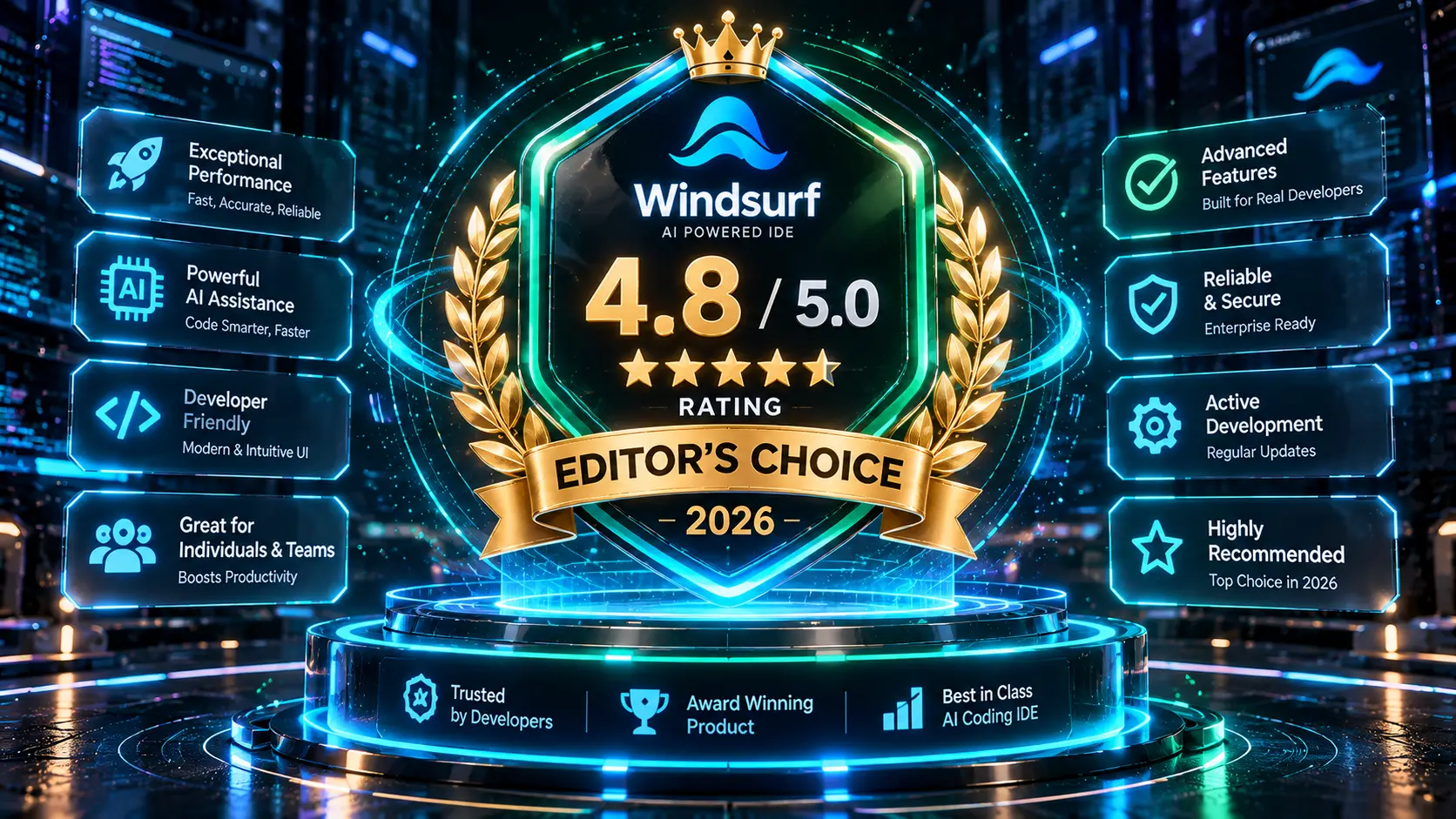 Windsurf AI final rating and verdict scorecard
Windsurf AI — Overall Rating
Windsurf proves that Cursor is no longer alone at the top of the AI IDE mountain. With its brilliant Cascade agentic workflows, unmatched autocomplete speeds, and budget-friendly pricing, Windsurf is a stellar 2026 tool that every software builder should try.
Frequently Asked Questions (FAQs)
Is Windsurf completely free to use?
Yes, Windsurf offers a generous free tier that includes unlimited standard autocompletions and a monthly quota of Cascade agent prompts. For heavy daily coding with frontier models like Claude 3.5 Sonnet, the Pro plan is available for $15/month.
What is the difference between Windsurf and Codeium?
Codeium is the parent company and the name of their popular free AI autocomplete extension. Windsurf is Codeium's flagship standalone AI-native IDE that features their revolutionary "Cascade" multi-file agentic engine.
Can I import my existing VS Code extensions and settings into Windsurf?
Yes, absolutely. Windsurf is built on the VS Code open-source core. During initial setup, it offers a one-click import that transfers all your extensions, color themes, keybindings, and workspace settings instantly.
How does Windsurf compare to Cursor?
Both are top-tier AI-native editors. Cursor offers slightly more granular control for background command runners and .cursorrules power users ($20/mo), while Windsurf provides a smoother, more guided Cascade flow with lightning-fast autocompletions at a lower price point ($15/mo).
Does Windsurf send my private code to third-party servers?
Codeium adheres to strict data privacy standards. User code processed through Codeium and Windsurf is not used to train generative public models for paying and free tiers under standard privacy settings, and enterprise users enjoy zero-data-retention guarantees.
